For the kids
When the sun sets, the fairy lights come on.
Automations & scenes
When this happens, do that. Make one in a few taps or describe it in a sentence: fairy lights at sunset, the heating up before breakfast, the porch light for whoever comes to the door. It all runs on the hub in your house.
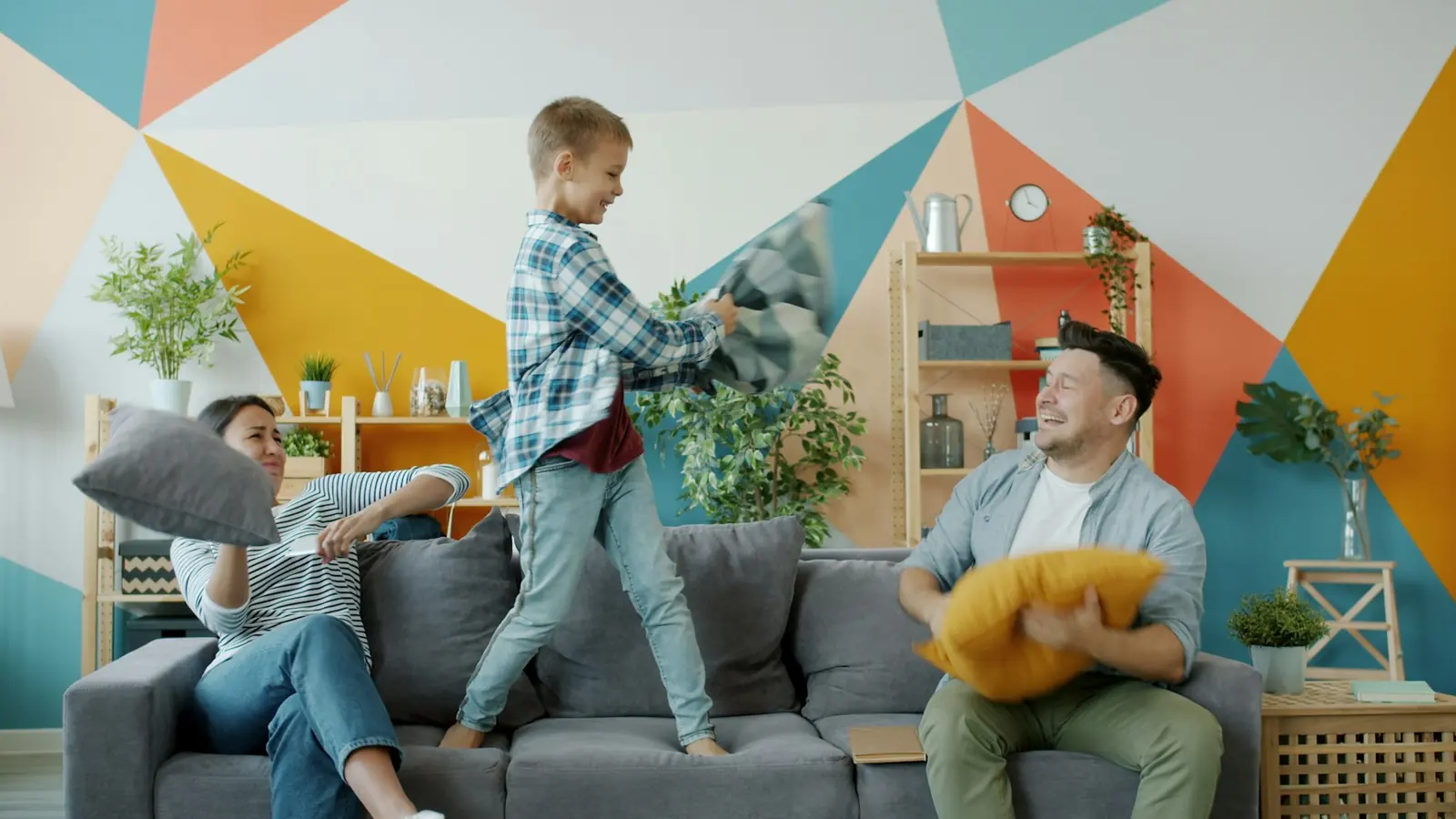
When the sun sets then the fairy lights come on
Try it here
Pick when, pick what happens, tap Save. Add an only-if if you like. It reads like a sentence, so everyone in the house can make one, the kids included.
When there's movement in the hall then the lights come on
Leave these off and it runs every time.
A working demo of the builder, with example rooms and devices.
Sunrise and sunset
Pick sunrise or sunset, or a few minutes before or after. The kids get their fairy lights the moment it gets dark, and for grown-ups the lights are never on all day.
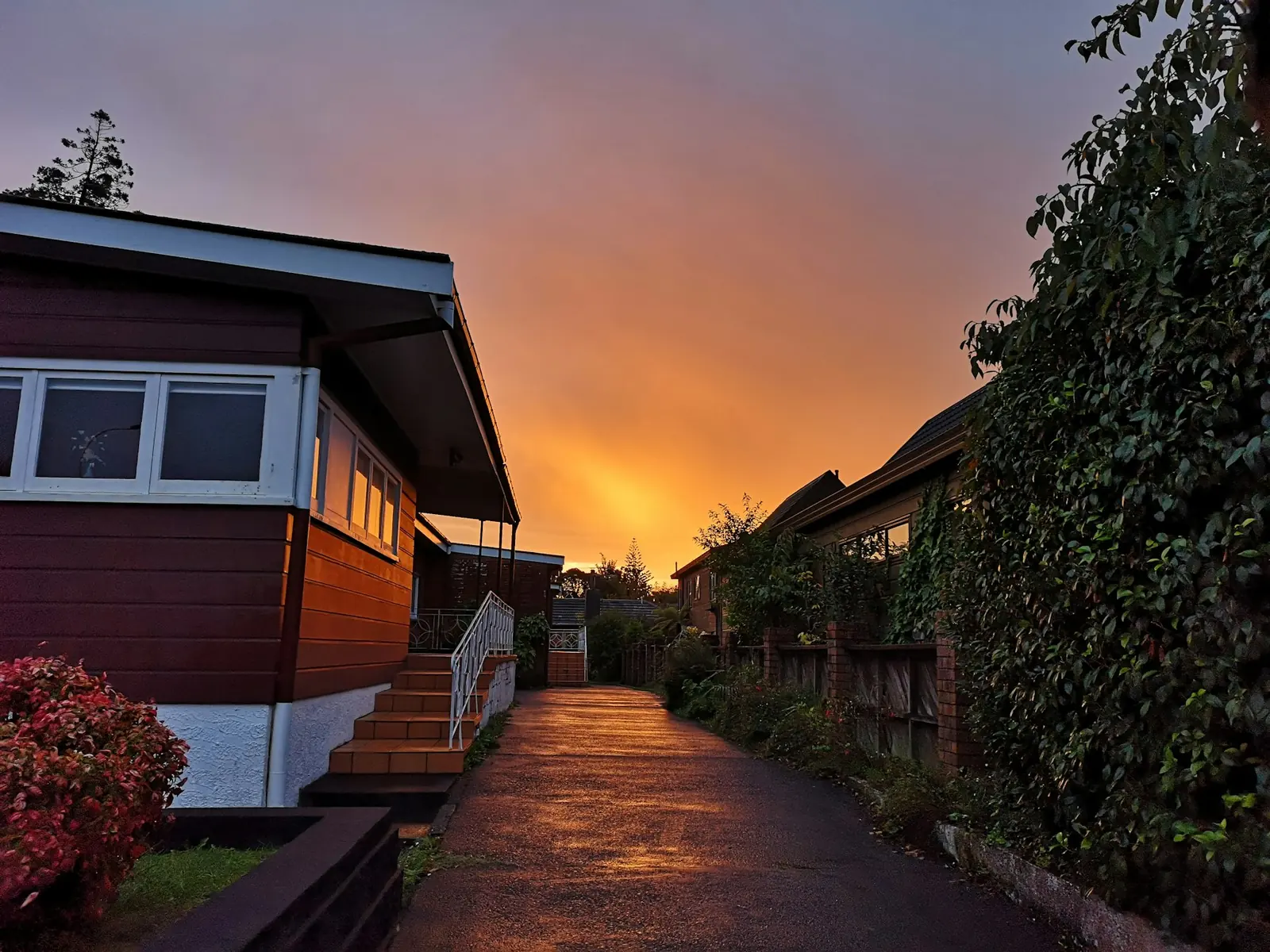
Fairy lights come on
On at 18:41, off at 23:00. 4 h 19 min of fairy lights, none of it in daylight.
The hub knows the sunrise and sunset where you live, every day of the year, so the times shift with the seasons by themselves.
Scenes
Morning, Leaving, Arriving, Cinema, Dinner, Night, Party and Focus. A scene sets the lights, blinds, heating, TV and speakers in one go, with one tap or one sentence. Want another one? Describe it and the app makes it.
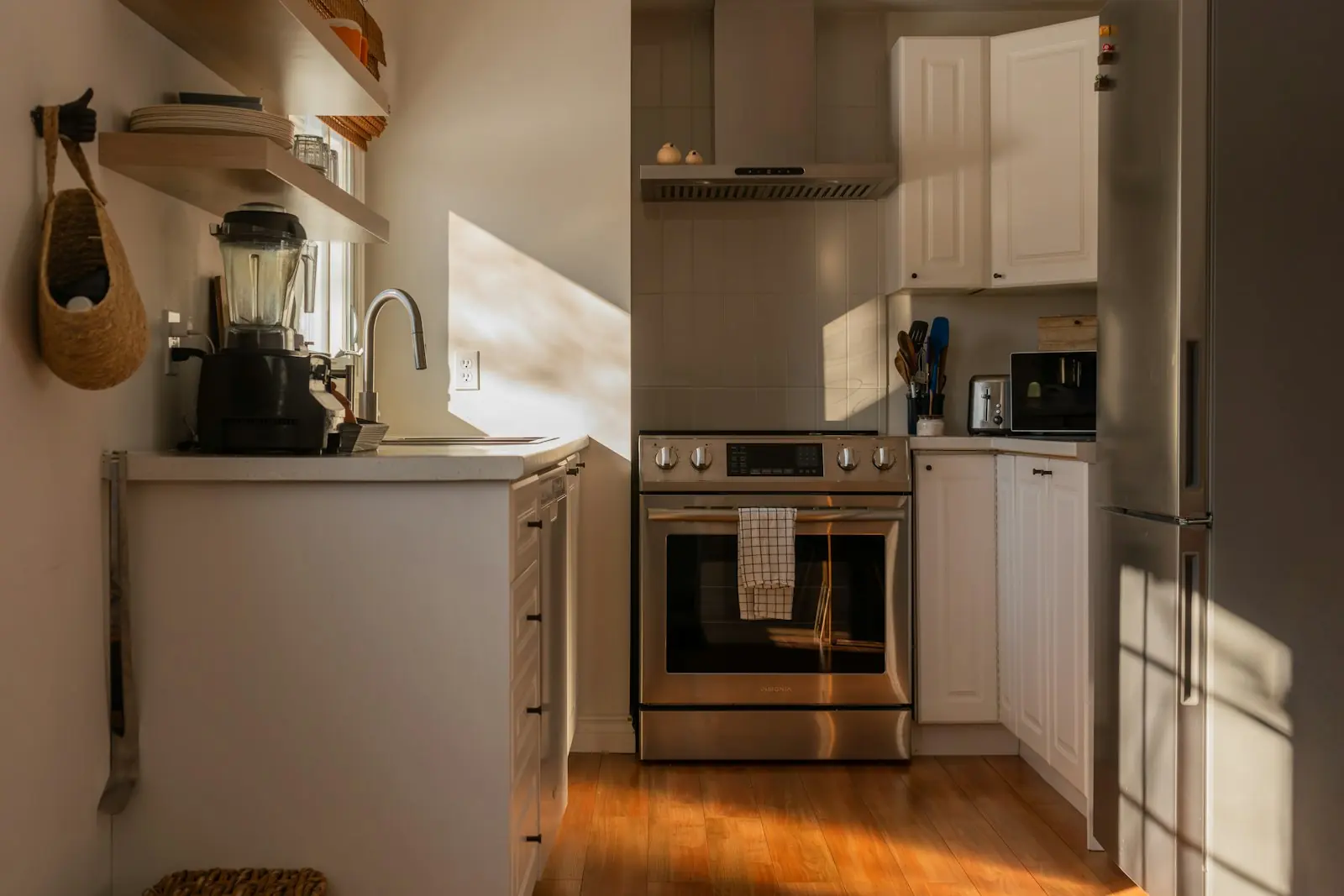
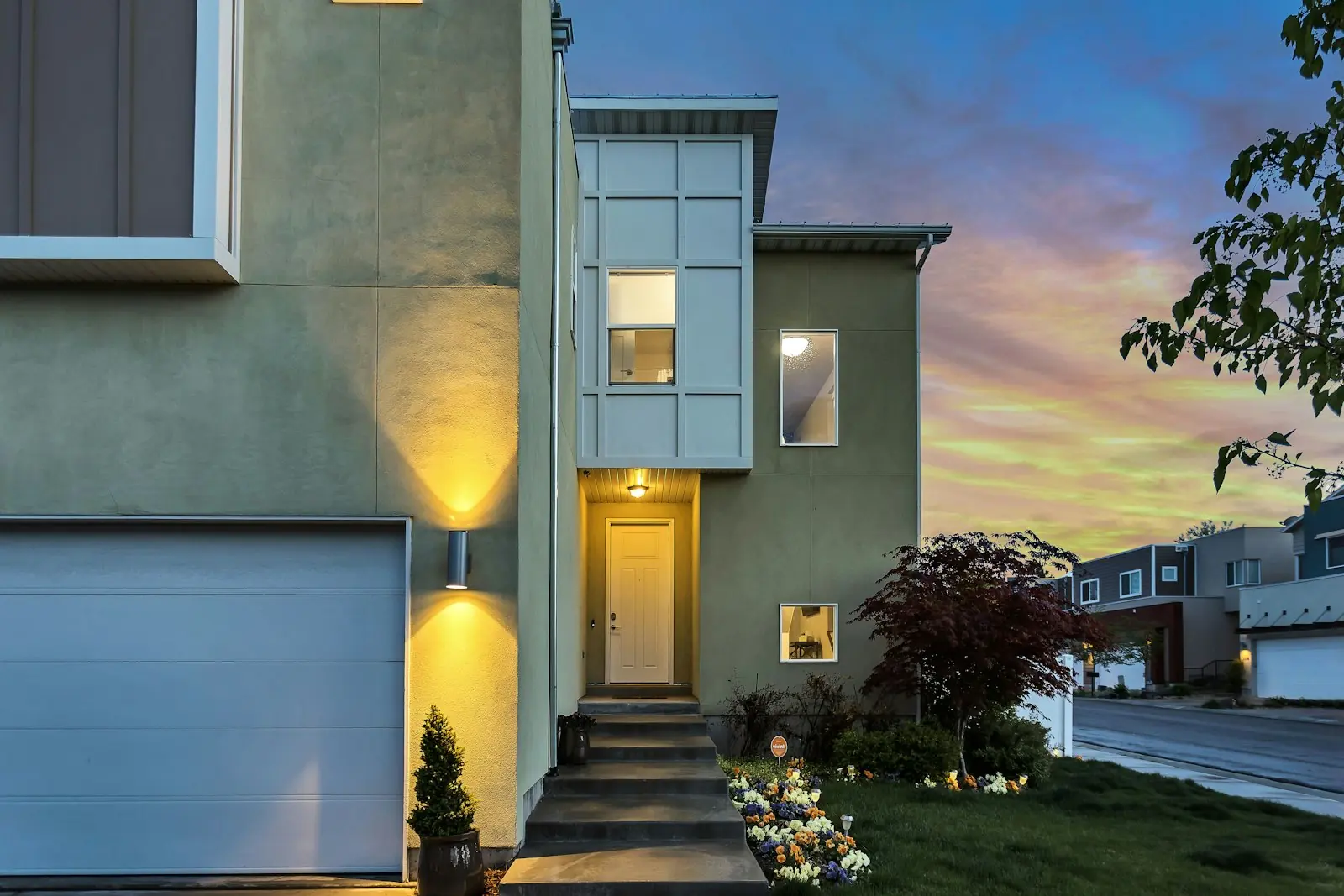
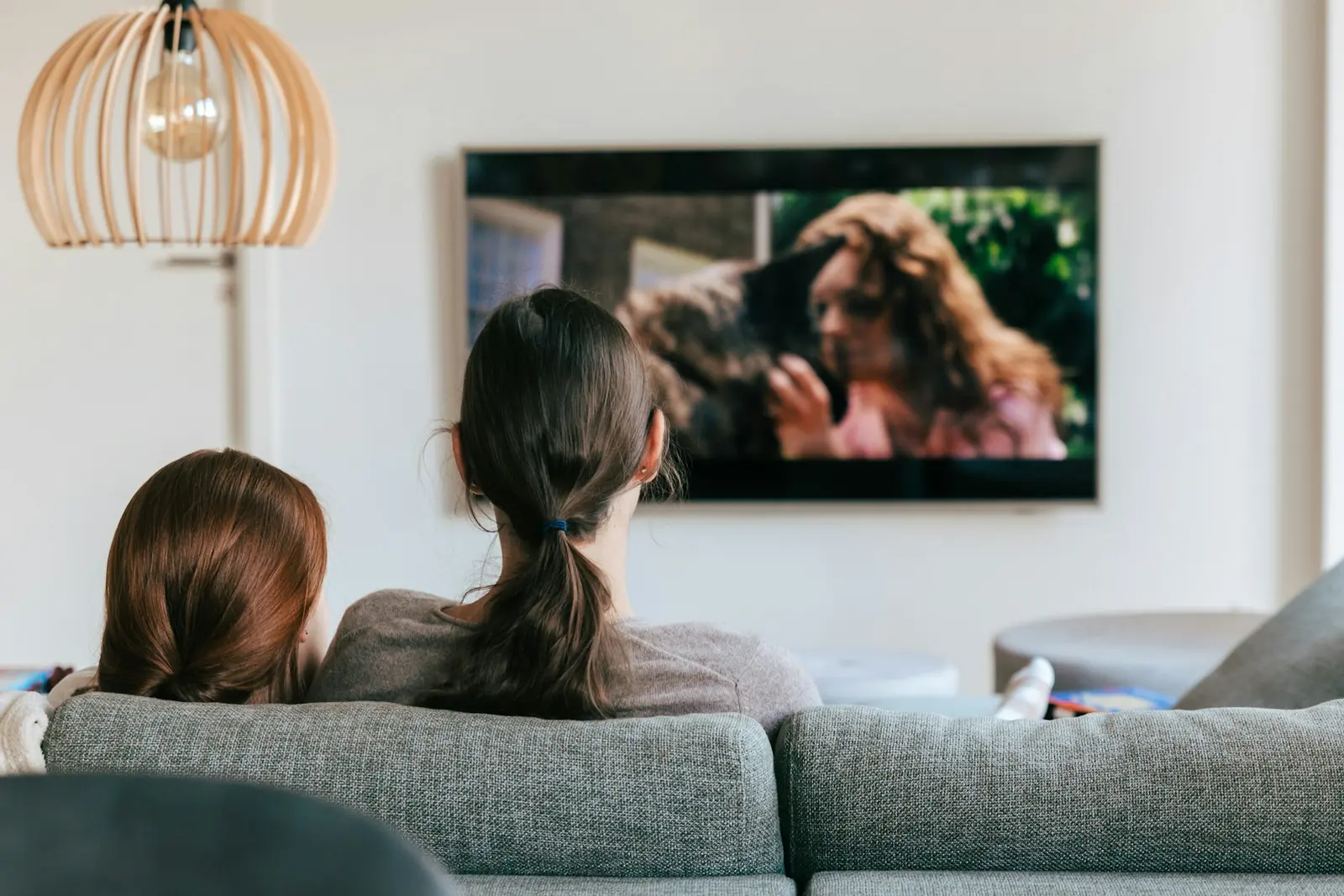

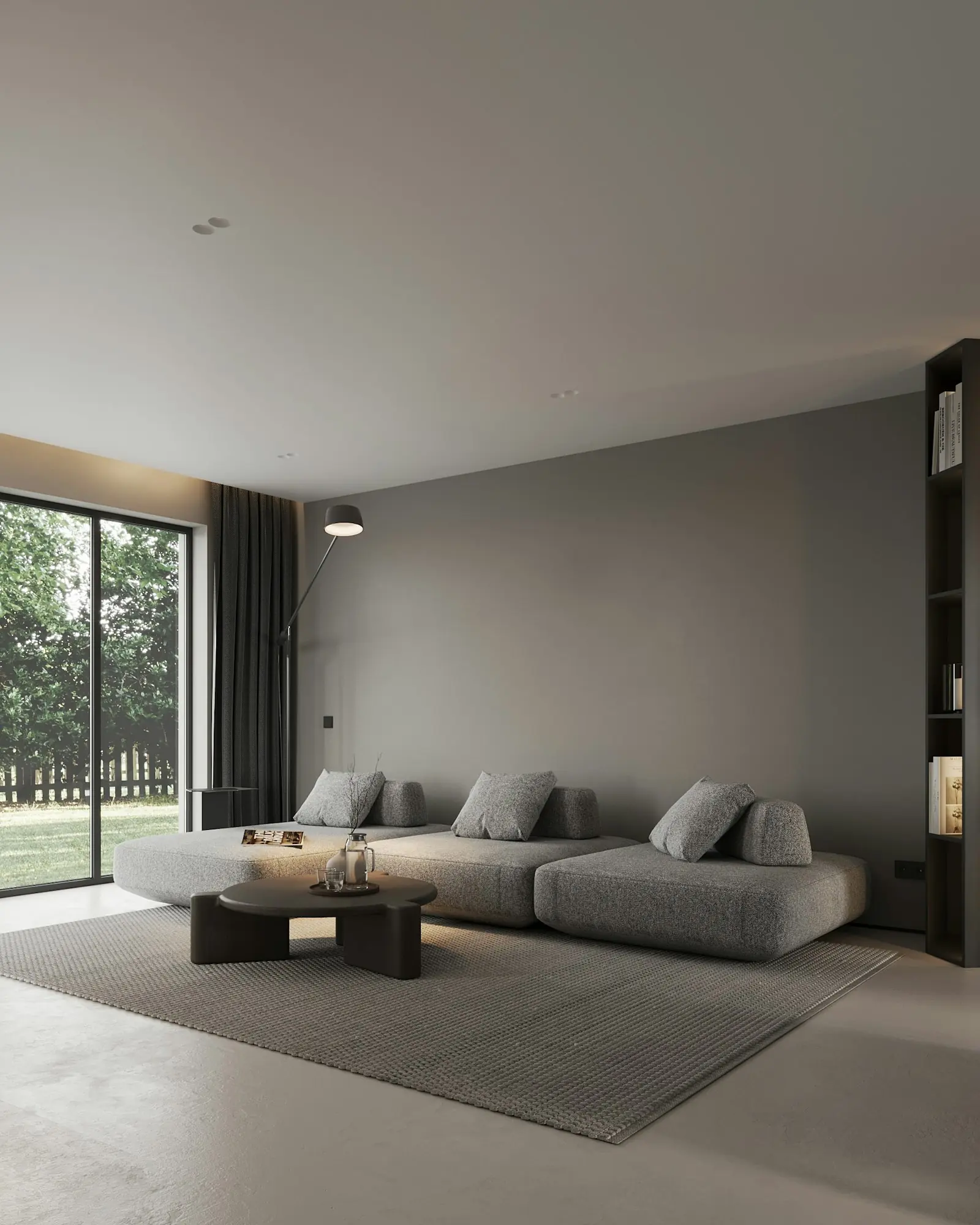
“Hey Buddy, cinema time.”
One tap, or one sentence, and this happens
Want a Reading scene with the lamp at 40%? Describe it and the app makes it.
Describe it
Type it the way you would say it to someone at home. The app picks out the when, the only-if and the then, and builds the automation for you.
Try one
Ideas
Twelve good ones to borrow. Tell us the ones you like and we will set them up with you.
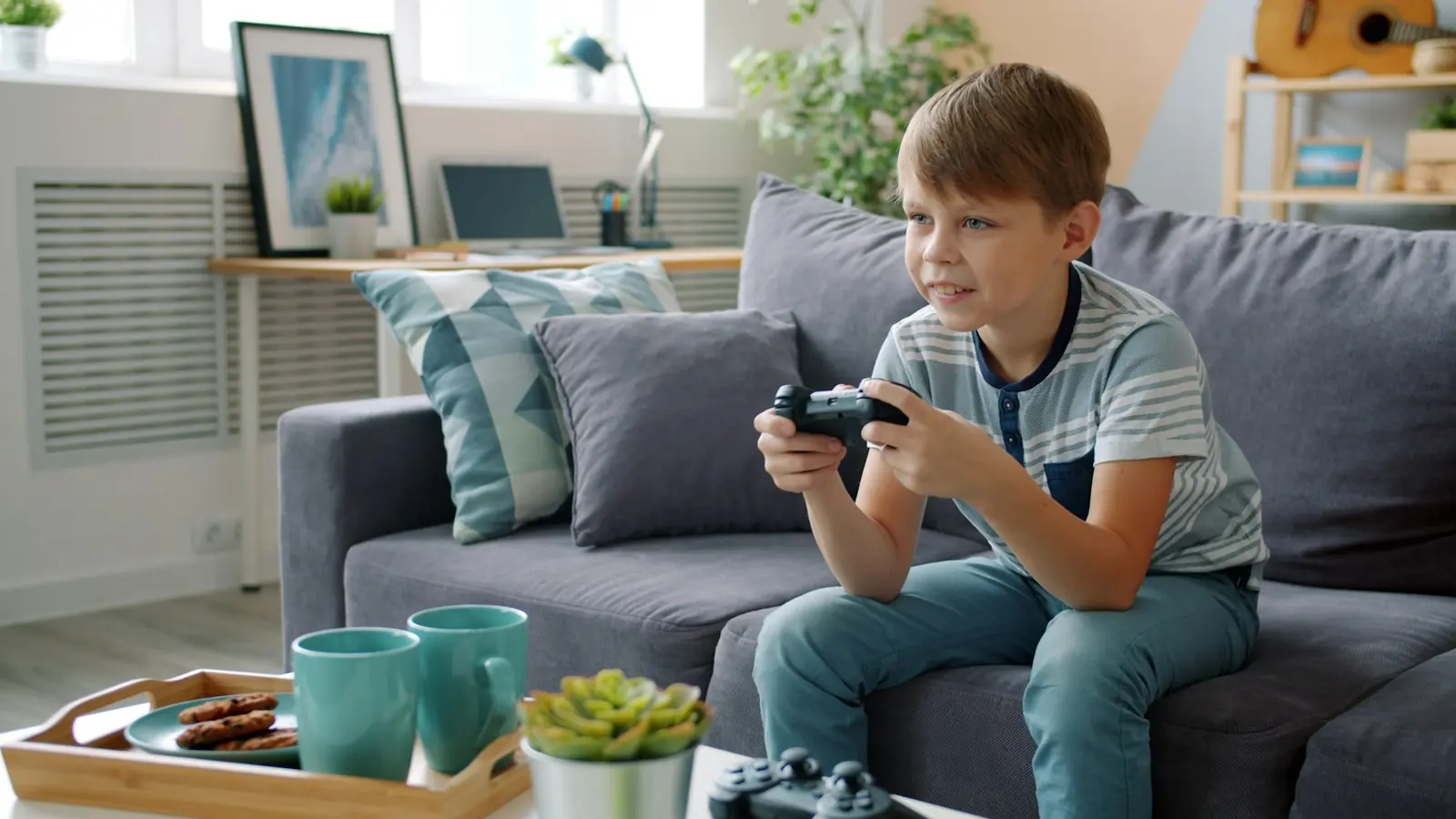
When the sun sets, the fairy lights come on.
When a leak is found under the sink, the kitchen lights come on full.
At 07:00 on weekdays, not bank holidays, the heating goes to 21°.
When the study has had no movement for 30 minutes, its lights go off.
At 19:30, the landing light goes to 10%. A night light that sorts itself.
When the back door is open 5 minutes, the heating drops to 16°. No heating the garden.
When the first one gets home, only if it's after dark, the hall lights come on.
When the last one leaves, every light goes off and the heating drops to 16°.
At 19:00 on Fridays, the Cinema scene starts. Film night.
When a camera sees someone, only if it's after dark, the porch light comes on.
At sunrise, the blinds go up. Up with the sun, not the alarm clock.
When smoke is found, every light in the house comes on, so the way out is easy to see.
A day at home
Scroll through a day. The heating keeps its plan, the cameras keep watch, and one tap or one sentence moves the whole house.
On the hub
Every automation and scene lives on the hub in your house, not in a company's cloud. It runs at 03:00 with every phone asleep, and it carries on as normal if the internet goes down.
Questions
Yes. Pick when, pick what happens and tap Save. It reads like a sentence, with big coloured buttons, so if they can read it, they can make it. Fairy lights at sunset makes a good first one.
A time, sunrise or sunset (with minutes before or after), motion, a door opening, a door left open for a few minutes, no movement for a while, a leak, smoke, the first person home, the last person leaving, or a camera seeing someone.
Yes, with an only-if: the time of day, the days of the week, whether the sun is up or down, not on bank holidays, whether someone is home or nobody is, or the alarm's mode. An automation can check the alarm, but it never sets it: you do that from the app or the panel by the door.
A scene is a set of changes you start yourself, with one tap or one sentence: Cinema puts the TV on, the lights to 20%, the blinds down and the speaker up. An automation starts by itself when something happens, and it can start a scene too.
Yes. They run on the hub in your house, so the lights, the heating, the blinds and your scenes carry on as normal.
Yes. Tell us your routine and we set up the scenes and automations with you when we fit. After that you can change them, or add new ones, whenever you like.
Keep exploring
One message on WhatsApp: what you would like the house to do by itself. Scenes and automations are set up with you on the day, and a fixed price comes first.
We usually reply within two hours, 8am to 8pm, seven days a week.