Cameras
Every camera. Live. All at once.
Open the app and every camera is already playing, side by side, on every phone, tablet and computer. All recorded at home, nothing a month.
Example footage
Live, not stills
Not a wall of snapshots.
Most camera apps show one camera at a time, or a grid of still pictures. Ours opens with every camera moving, the moment you look.
UsuallyA typical camera app
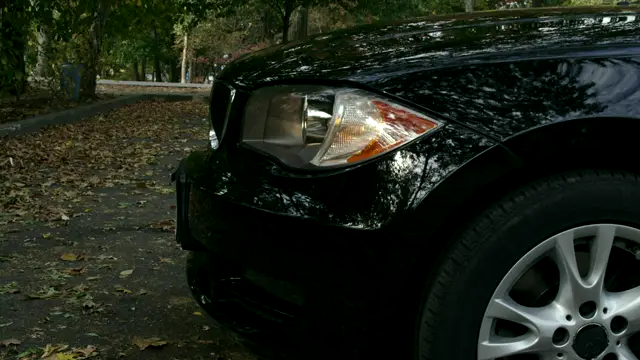 Driveway Live · this camera only Updated 12 seconds ago Tap to load live view Connecting…
 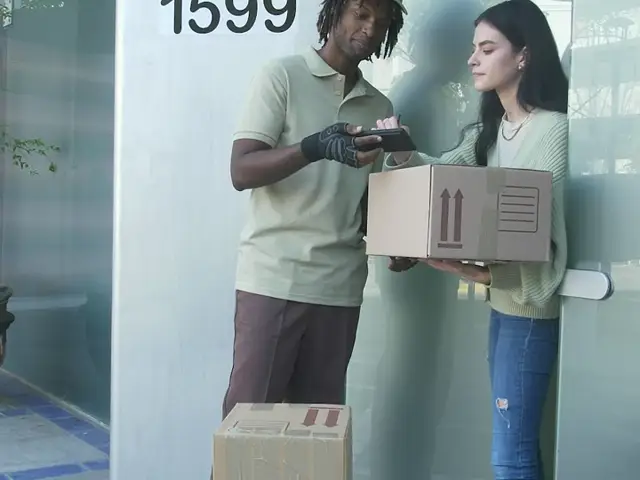 Front doorTap to view
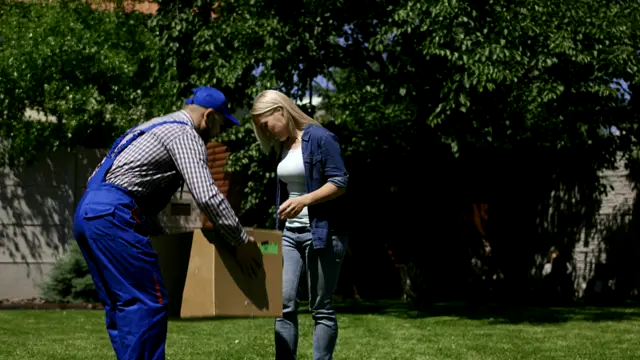 Side gateTap to view
 Back gardenTap to view
Usually: one camera at a time
OursSmartHome Pro
Example footage
Every camera playing the moment the app opens. Nothing to tap.
Full screen
Full screen. Live, with sound.
Tap any camera and it fills the screen, live, with sound. Double-tap to look closer, on a phone, a tablet, a computer or the panel by the door.
- Live with sound
- Tap any camera
- Double-tap to look closer
- Full screen on any screen
History
Drag back through the day.
Recording around the clock means the whole day is there, for every camera. Drag the line back to any moment and the picture follows. Let go, and it stays exactly where you left it.
- Back to any minute of the day, on any camera.
- Every event marked on the line: people, cars, animals.
- The line stays where you leave it. No jumping back to live.
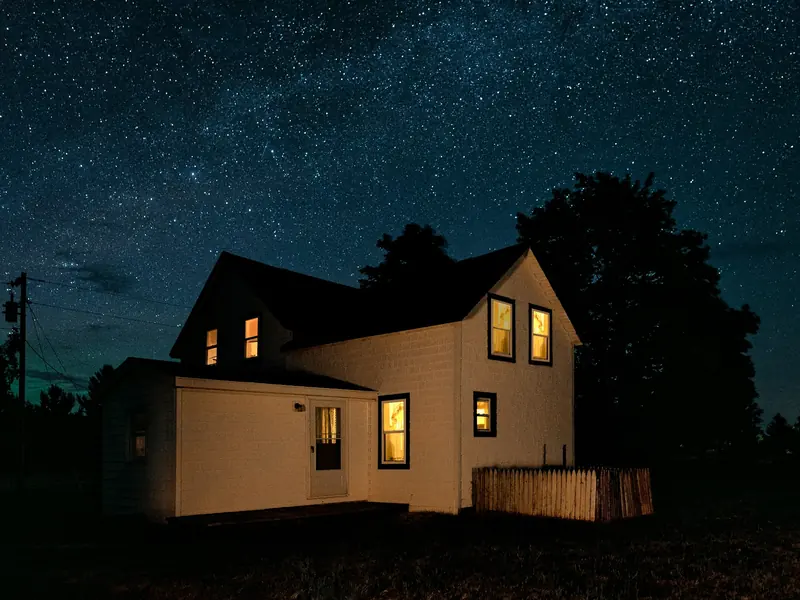
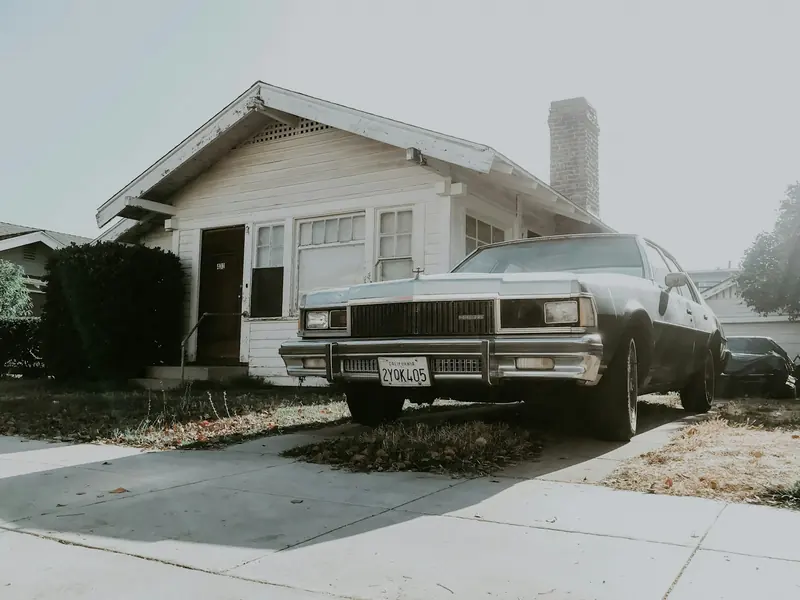
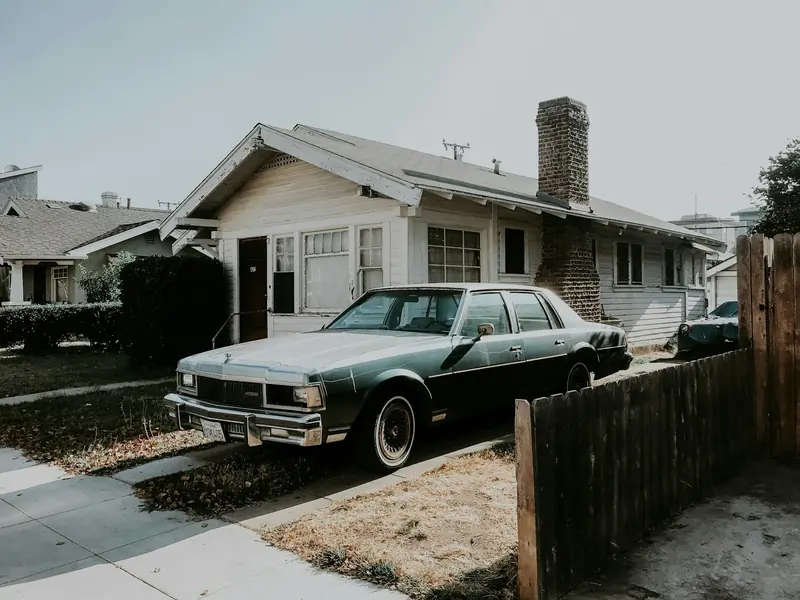
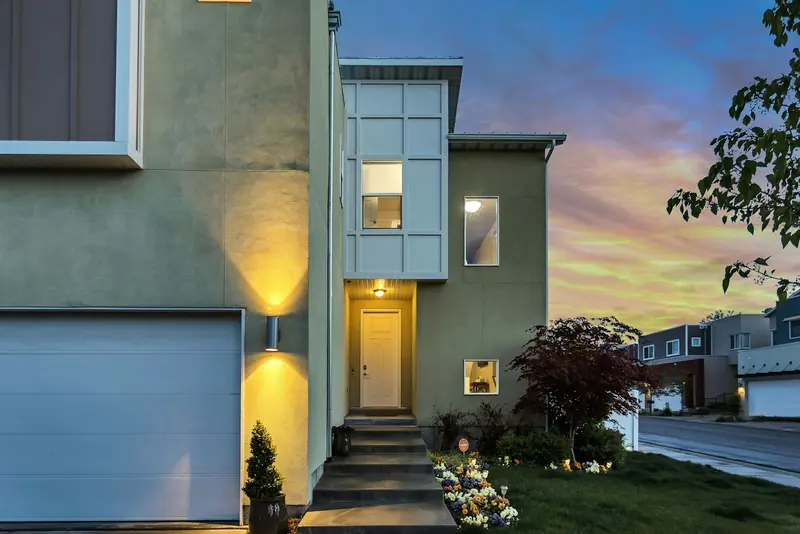
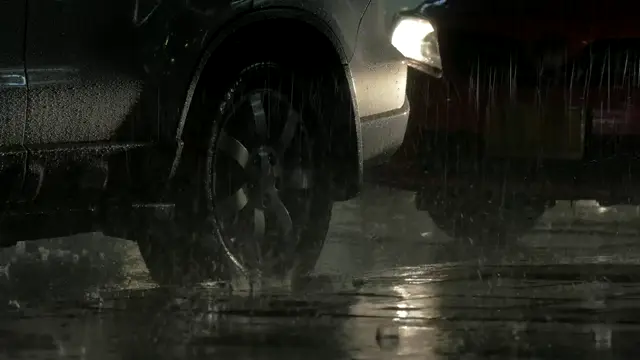 Driveway History · 23:00 All quiet. Night view.
Drag the line, tap it, or use the arrow keys. Example pictures.
Events
What it saw, in plain English.
Not “motion detected”. A sentence: a person at the front door, the car came home, a cat on the fence. Each one with the picture and the clip.
It spots
- People
- Cars
- Animals
- Familiar faces
- Number plates
- Alarms sounding
- Breaking glass
Familiar faces once it has learned them. Alarms and breaking glass by sound.
- A car on the drive in the rain.
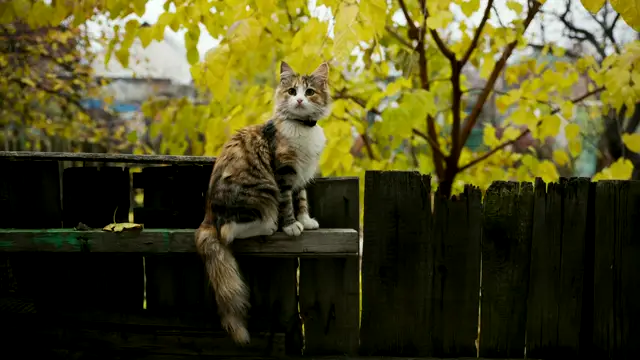
- A cat on the fence. Not a person, so no alert.
- Your car came home. Plate read.
- A person at the front door.
- A person at the side gate.
Example events and pictures
Cameras that do things
It sees. The house acts.
A camera can start an automation: the drive and porch lights when a car pulls onto the drive after dark, an alert when someone is at the side gate while the alarm is set. And a cat is just a cat.
A cat on the fenceNoted in Events · no alertExample footage. Each story is an automation you choose; we set them up with you.
Recording
Recording, your way.
For each camera: around the clock, or only when something happens. A Sharp picture or a Light one. Then choose how much space footage may use. When it is full, the oldest goes first.
Front door Driveway Back garden Living room
Space a day: Events and Light take less than 24/7 Sharp.
The oldest footage goes first.
Privacy
Privacy, camera by camera.
Turn privacy on for any camera with one tap: it stops streaming and recording. Tap again and it is back, live.
- One tap, any camera. Privacy on, privacy off.
- Nothing streamed, nothing recorded while privacy is on.
- Your choice, camera by camera. The rooms inside private, the drive and the garden still watching.
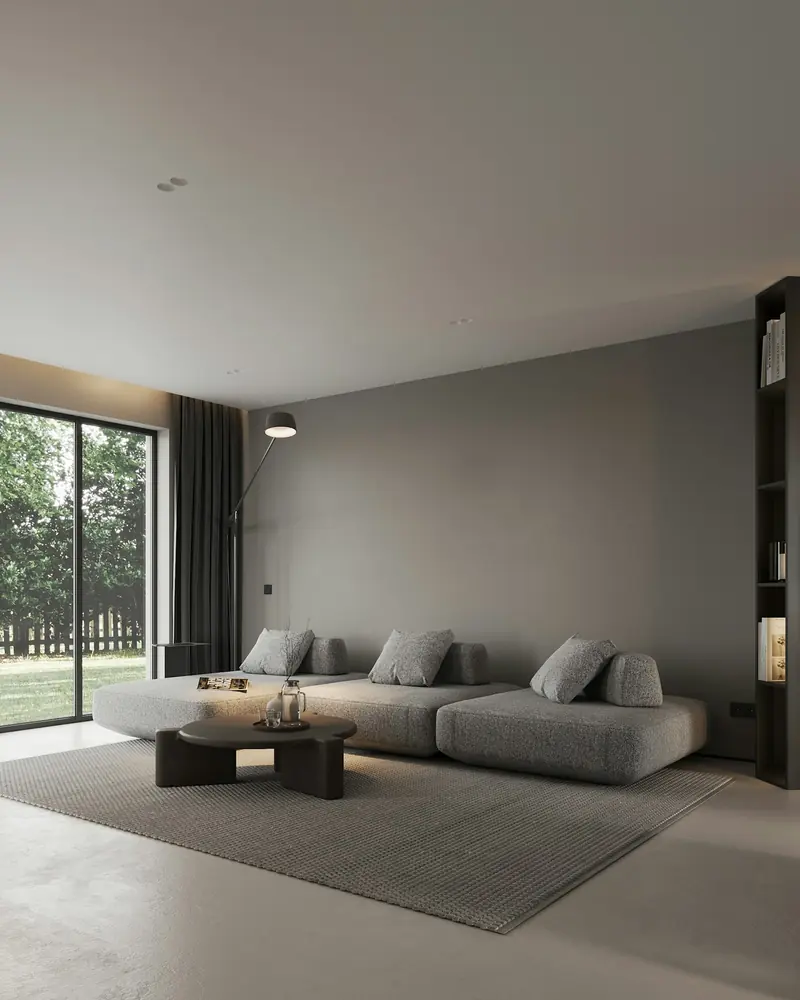
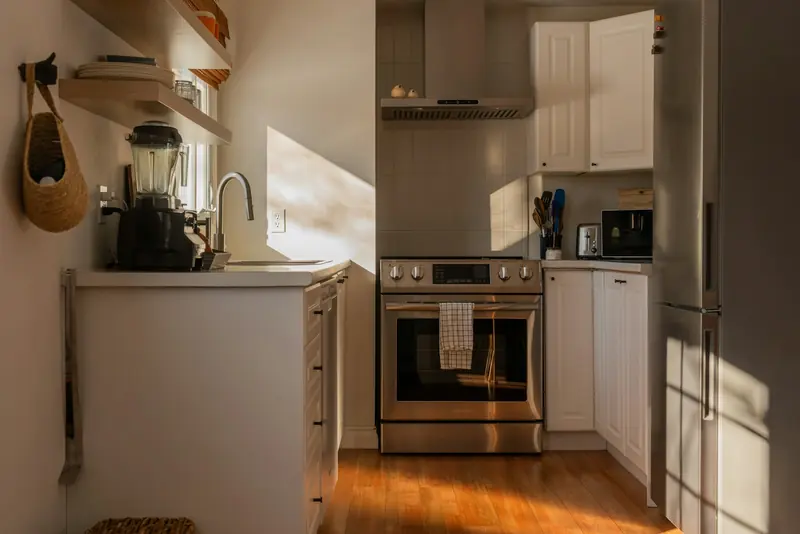
Example footage and pictures. Privacy is a switch on each camera in the app.
Works with
Works with your cameras.
Most cameras with a standard video stream join the hub: Tapo, Reolink, Hikvision, Dahua, Amcrest and more. Already have some? Send us a photo and we will tell you straight what joins.
- Tapo
- Reolink
- Hikvision
- Dahua
- Amcrest
- Annke
- Axis
- Ubiquiti
They cannot stream to a hub in your house, so they cannot join it. We fit cameras that can, and tell you which of yours will.
Questions
Camera questions, answered plainly.
Do we need a cloud plan to keep recordings?
No. Every camera records to the hub in your house, around the clock if you like, on a drive of up to 1 TB. There is no cloud plan and nothing a month.
Can we keep the cameras we already have?
Most likely. Cameras with a standard video stream join the hub: Tapo, Reolink, Hikvision, Dahua, Amcrest and more. Cloud-only cameras, for example Ring or Blink, cannot stream to a hub in your house, so we fit cameras that can. Send us a photo on WhatsApp and we will tell you straight.
Will a cat or a fox set it off?
No. It tells people, cars and animals apart, so a cat on the fence is noted and nothing else happens. It can also learn familiar faces, read number plates and hear alarms and breaking glass.
How much footage does it keep?
You choose for each camera: around the clock or events only, and a Sharp or Light picture. Then set a limit, such as "use up to 500 GB". When it is full, the oldest footage goes first. The hub holds up to 1 TB.
Can we save a clip as evidence?
Yes. Open the event and download the clip. You can also delete a single event and keep everything else.
What happens if the internet goes down?
The cameras keep recording to the hub. Nothing it does needs a company's cloud; only the alerts you ask for go out.
Keep exploring
Every camera, live. Fitted for you.
Tell us which doors and sides you want to see, and what cameras you have now. A fixed price in writing before anything is fitted.
We usually reply within two hours, 8am to 8pm, seven days a week.